
Get New Computers Set Up and Ready for Work
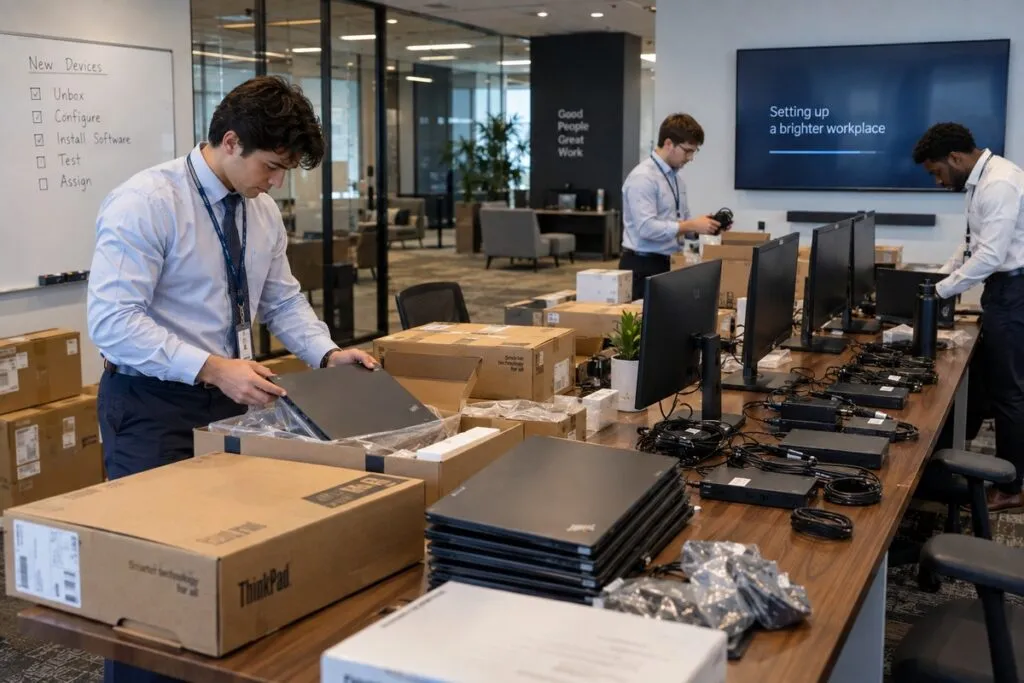
DeployNation provides computer deployment services across the United States. We set up laptops, desktops, monitors, and docks so your staff can get to work. Our technicians follow your plan and handle the setup at your site. Your IT team stays in control and has more time for other work.
Computer Rollouts Without Overloading Your IT Team
New computers take time to unpack, track, connect, and place at each desk.
We handle those tasks using your checklist, equipment list, and schedule. Your team manages the systems, apps, and technical standards.
Laptop Deployment Services
Get laptops ready for new staff, new offices, or a larger rollout. Your project can include:
- Unpacking and checking equipment
- Sorting laptops by user or location
- Adding asset tags and recording serial numbers
- Connecting docks, monitors, keyboards, and mice
- Checking network connections
- Delivering devices to the right users
- Completing checklists and collecting packaging
Your team can keep managing Microsoft Intune, Windows Autopilot, or other device tools. We handle the approved setup tasks at the site.
Desktop and Workstation Deployment
We set up desktops and workstations to match your team’s standards.
That can include multiple monitors, special input devices, network connections, and other approved hardware. We follow your plan so each workspace gets the right setup.
We support offices, engineering teams, healthcare sites, factories, labs, and call centers.
New Office Computer Setup
Get workspaces ready before staff arrive. We use your floor plan or seating chart to put equipment where it belongs.
A typical project can include:
- Check delivered equipment.
- Sort devices by user, team, or desk.
- Record equipment details and add asset tags.
- Set up computers, monitors, and docks.
- Connect keyboards, mice, and approved accessories.
- Check connections and finish your checklist.
- Report missing items or setup issues.
Device Staging and Setup Prep
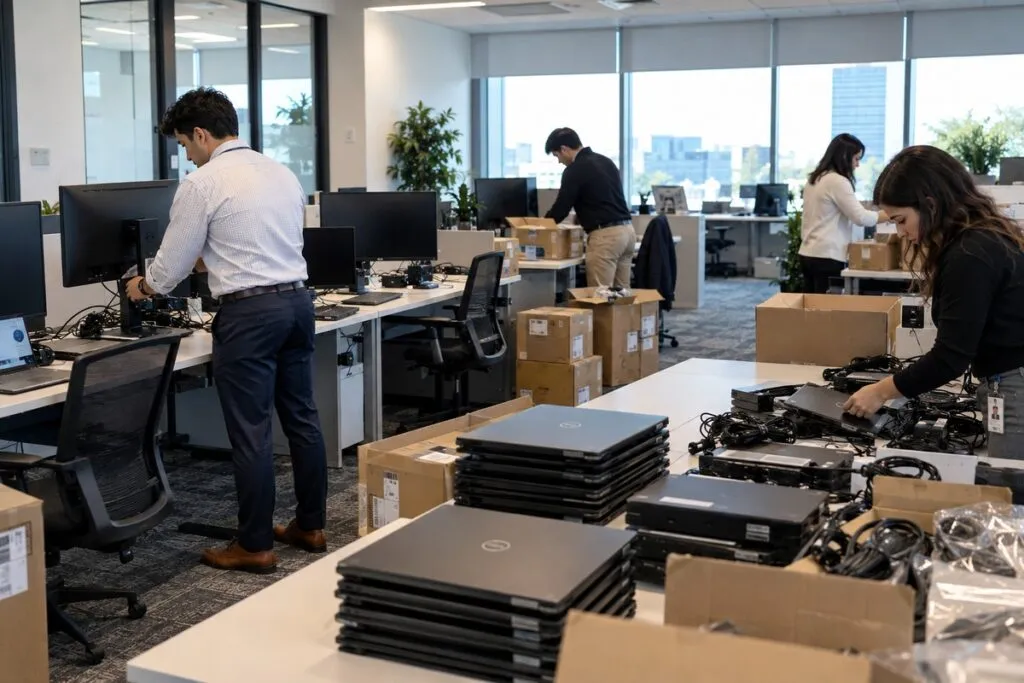
A smooth rollout starts with organized equipment.
We can receive, sort, inspect, label, and group devices by office, floor, team, or user. Your team manages its approved device setup process, or we load your approved image when full setup is included.
Once ready, we place and connect each computer at the right workspace.
Asset Tagging and Inventory Tracking
Know which equipment went to each person and location. We can record:
- Asset tag and serial number
- Brand and model
- Assigned user and department
- Office and desk location
- Setup date and device status
We follow your spreadsheet, asset system, barcode process, or checklist. Your quote confirms the tracking work included.
Computer Setup for New Employees
Help new staff get started with their equipment in place.
We can schedule setup projects around new hires, growing teams, or office expansion. Our technicians organize devices, connect equipment, check the setup, and deliver computers to the assigned users.
Large Computer Rollouts
A rollout of hundreds of computers needs a clear plan. We can organize the work by floor, team, location, or scheduled group.
Your project plan can cover:
- Technician and user schedules
- Equipment staging areas
- Daily setup goals
- Asset records and progress reports
- Missing, damaged, or spare equipment
- Final checks and completion records
Working in stages helps limit disruption and makes progress easier to track.
Computer Deployment vs. Computer Refresh
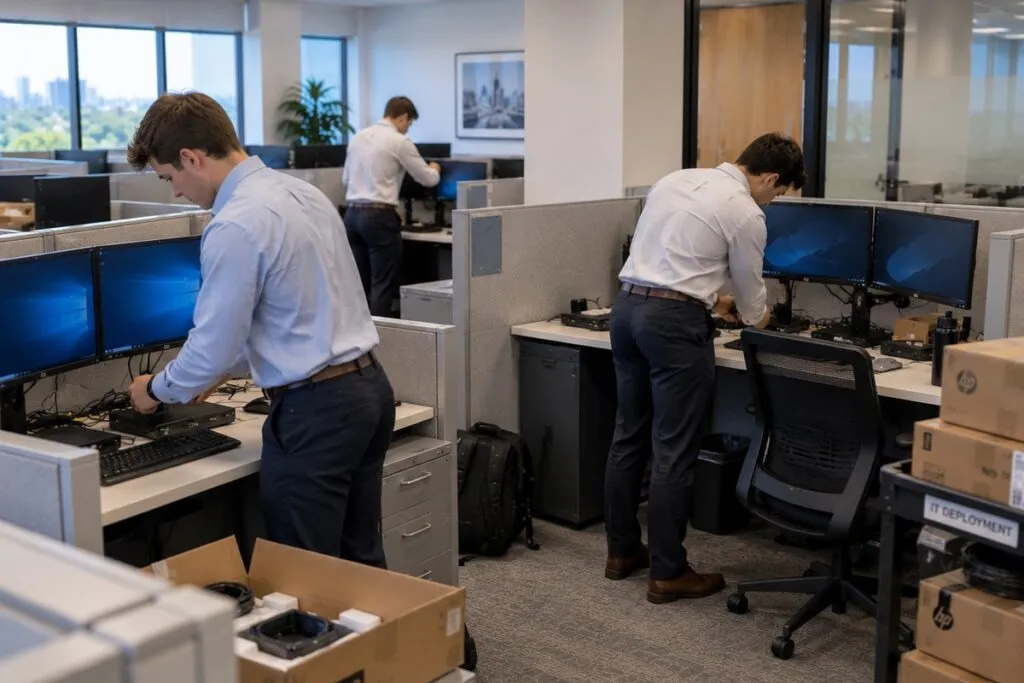
Computer deployment gets new equipment ready for use. Computer refresh replaces existing devices and includes steps for moving users and collecting old computers.
| Your Project | Best Fit |
|---|---|
| Set up computers in a new office | Computer Deployment |
| Provide computers for new employees | Computer Deployment |
| Install new workstations or laptops for a team | Computer Deployment |
| Replace aging employee computers | Computer Refresh Services |
| Move users, files, and settings to replacement devices | Computer Refresh Services |
| Collect old computers during a replacement project | Computer Refresh Services |
Full deployment can include agreed file transfers. A refresh also covers the replacement process and collection of old computers at the site.
Computer Deployment Across Multiple Sites
Need computers set up at several offices or branches? We can coordinate the physical work across locations.
Each site may need its own schedule, equipment delivery, access plan, and records. Our Multi-Site IT Rollout Services help organize repeat installs using one shared work plan.
We support businesses across the United States, including retail, healthcare, finance, and corporate offices.
What We Need to Plan Your Deployment
Send the details you have so we can plan the crew, schedule, and setup.
| Project Detail | What to Send |
|---|---|
| Locations | Office or site addresses |
| Computers | Number of laptops, desktops, and workstations |
| Users | Number of people receiving equipment |
| Accessories | Monitors, docks, keyboards, mice, and other devices |
| Staging | How equipment needs to be sorted or prepared |
| Device Setup | Your setup process and any approved image to load |
| Asset Tracking | Required tags, serial numbers, and inventory details |
| Schedule | Preferred dates and project deadline |
| Access | Building and workspace entry rules |
| Records | Checklists, floor plans, user lists, and reports |
| Problems | Steps for missing, damaged, or incorrect equipment |
Already have a rollout plan? Send it with your request.
Computer Deployment Pricing
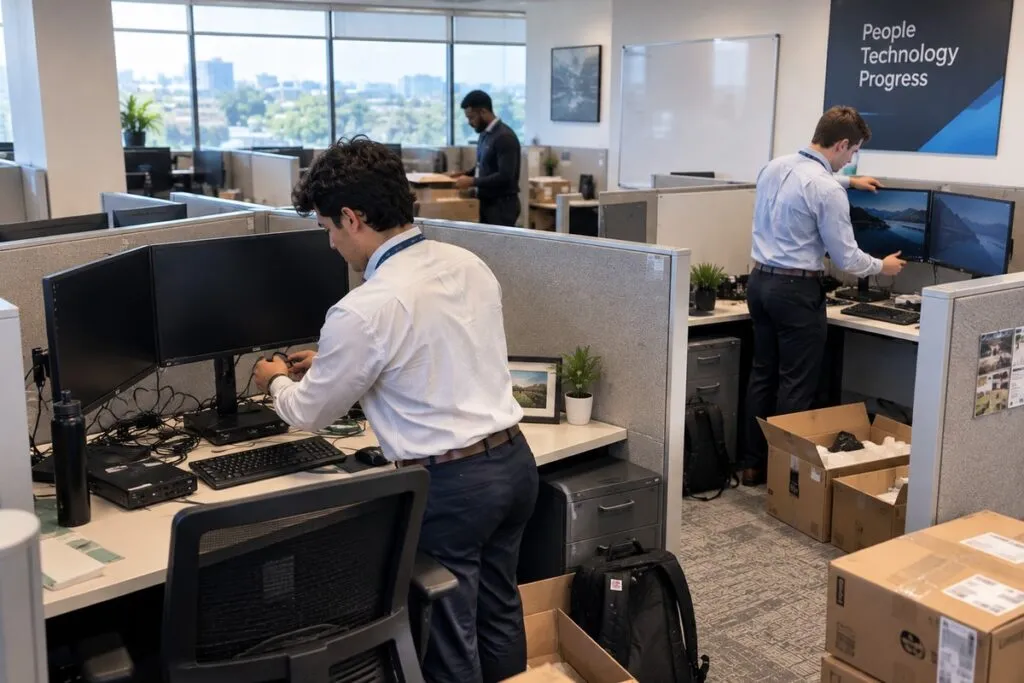
Choose basic setup for computers that are already configured. Choose full setup when we need to load your approved image and help users get started.
We confirm the work and cost in your written quote.
Computer Deployment Rates
| Service | Price | Minimum |
|---|---|---|
| Basic computer setup | $95 per computer | 5 computers ($475) |
| Full computer setup | $225 per computer | 5 computers ($1,125) |
Basic setup includes:
- Unpack an already configured computer.
- Connect its monitors, dock, keyboard, mouse, and other agreed accessories.
- Check connections.
- Place it at the user’s workspace.
Full setup includes:
- Load your approved image, which is your standard computer software setup.
- Connect accessories.
- Transfer agreed user files when needed.
- Check that the computer works.
- Help the user sign in.
Pricing assumes a working image where needed, available software licenses, and access to files being transferred.
Creating an image, large or complex file transfers, data recovery, and extra troubleshooting are quoted separately. Travel, work outside normal hours, and special project costs are confirmed in your written quote.
Example Computer Deployment Projects
These examples use the listed rates. They cover basic or full setup only. Your quote confirms any added work or costs.
| Number of Computers | Basic Setup at $95 Each | Full Setup at $225 Each |
|---|---|---|
| 5 computers | $475 | $1,125 |
| 10 computers | $950 | $2,250 |
| 25 computers | $2,375 | $5,625 |
| 50 computers | $4,750 | $11,250 |
| 100 computers | $9,500 | $22,500 |
| 250 computers | $23,750 | $56,250 |
For several locations, send the device count for each site so we can confirm the full project cost.
What Affects Computer Deployment Cost?
The main factors are the number of computers and the setup option you choose. We also review:
- Monitors, docks, and special accessories
- Equipment sorting and staging
- Asset tags and inventory records
- Workspace assembly and cable organization
- Image readiness and file transfer needs
- Number of sites and travel
- Building access and work hours
- Project schedules and reporting needs
Your quote lists the included tasks and any extra charges before work starts.
Get Your Computers Deployed
Tell us how many computers you need set up, where they are going, and when they need to be ready.
Include any equipment list, floor plan, user list, or checklist you have. We will review the work and prepare your quote.