
Replace Old Computers With Less Work for Your IT Team

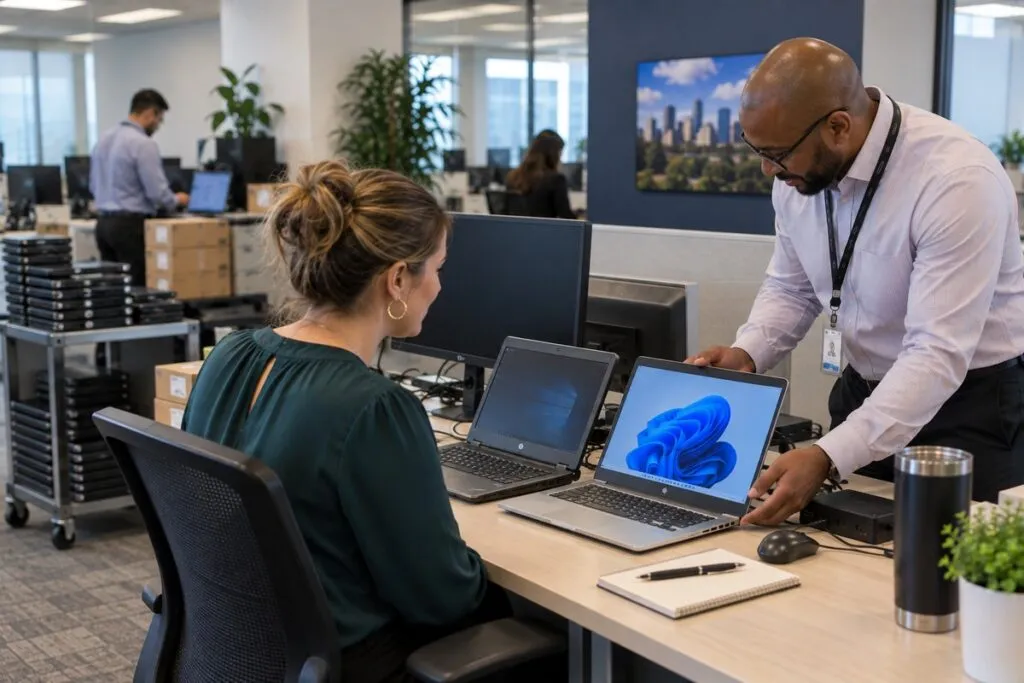
DeployNation provides computer refresh services across the United States. We replace old laptops, desktops, and workstations, move approved files and settings, and help staff get started. Our technicians follow your plan and collect the old computers at your site. Your IT team stays in control without handling every desk.
Keep Your Computer Refresh on Track
Replacing many computers means managing people, devices, files, and schedules.
We follow your approved steps and work through your rollout plan. Your team can focus on running the business while we handle the physical setup and swaps.
Laptop Refresh Services
Your laptop refresh can include:
- Preparing and checking replacement laptops
- Loading your approved software image
- Recording serial numbers and asset tags
- Scheduling users and setting up devices
- Moving approved files and settings
- Reconnecting docks, monitors, and accessories
- Checking connections and helping users sign in
- Collecting old laptops at the site
- Updating records and reporting problems
Your team decides how devices are set up and what data we can move. We follow those rules.
Desktop and Workstation Refresh Services
We replace desktops and workstations using your setup standards.
That can include multiple monitors, special input devices, docks, and network connections. We reconnect approved equipment and follow your checklist.
We support offices, engineering teams, labs, factories, call centers, and other workplaces.
Help Users Move to Their New Computers

A refresh is more than a hardware swap. Staff need their files, settings, and equipment ready to use.
We can:
- Confirm the right replacement device for each user.
- Follow your approved file and settings transfer steps.
- Reconnect monitors, docks, and accessories.
- Check connections and help the user sign in.
- Report issues that need your IT team’s help.
Your engineers can focus on problems that need their skills.
Refresh Computers in Planned Groups
Large refresh projects are easier to manage in stages. We can group the work by:
- Department or floor
- Office or region
- User schedule
- Device type
- Planned refresh date
Each group has a set device count and schedule. This helps your team track progress, check records, and fix issues before the next group starts.
Help Reduce Employee Downtime
Good prep helps keep users from waiting for devices, cables, or files.
Before work starts, confirm each user’s new computer, required file transfers, accessories, and old device instructions.
A typical refresh follows these steps:
- Confirm the user and replacement computer.
- Check equipment and record asset details.
- Load the approved image and move agreed files and settings.
- Swap computers and reconnect accessories.
- Check connections and help the user sign in.
- Complete the checklist.
- Collect and label the old computer.
- Record any issues for your IT team.
Track New and Old Computers
A refresh moves new devices in and old devices out. Clear records help you track both.
We can record:
- New and old serial numbers
- New and old asset tags
- Device models
- Assigned user and department
- Office or desk location
- Refresh date and completion status
- Returned equipment and any issues
We follow your asset system, spreadsheet, barcode process, or checklist.
What Happens to Old Computers?
Computer refresh includes collecting old computers at your site. We organize them using your instructions.
Your plan can identify equipment for:
- Return to an IT storage area
- Inventory checks or reuse
- Packing and shipping
- Return to a leasing company
- Data destruction or recycling
- Transfer to an IT asset disposal provider
Removal from the site, data services, and disposal are separate work. Our IT Decommissioning Services can support those next steps.
Computer Deployment vs. Computer Refresh

Computer deployment gets new devices ready for use. Computer refresh replaces devices your staff already use.
| What You Need | Best Fit |
|---|---|
| Set up computers in a new office | Computer Deployment |
| Give computers to new employees | Computer Deployment |
| Install new workstations | Computer Deployment |
| Replace aging employee computers | Computer Refresh |
| Move existing users to replacement devices | Computer Refresh |
| Collect old computers during replacement | Computer Refresh |
| Carry out a planned PC replacement cycle | Computer Refresh |
A refresh adds steps for user schedules, files, settings, and old equipment.
PC Refresh Projects Across Your Company
Replacing hundreds or thousands of computers takes a clear plan and enough hands.
We can organize the field work around:
- Technician schedules and user appointments
- Device staging and daily goals
- Asset records and progress reports
- Spare devices and unexpected issues
- Old equipment collection and final counts
Your team provides the standards. We help carry out the replacements.
Computer Refresh Across Multiple Locations
Need the same refresh at several offices? DeployNation supports projects across the United States.
We can follow one shared setup plan while accounting for each site’s schedule, access rules, and equipment.
For larger projects, our Multi-Site IT Rollout Services help organize the work across locations.
What We Need to Plan Your Refresh
Send the details you have so we can plan the work and quote the project.
| Project Detail | What to Send |
|---|---|
| Computers | Number and type of devices being replaced |
| Users | Number of employees getting replacements |
| Locations | Offices or sites included |
| New Equipment | Computer, monitor, dock, and accessory details |
| Files and Settings | Approved transfer steps and data to move |
| Software Setup | Your approved image and device setup process |
| Asset Tracking | Required tags, serial numbers, and records |
| Old Equipment | Collection, storage, and disposal instructions |
| Schedule | Preferred dates and completion deadline |
| Problems | Who to contact for technical issues or approvals |
Already have a refresh plan, device list, user schedule, or checklist? Send it with your request.
Computer Refresh Pricing
Computer refresh costs $300 per computer, with a five computer minimum of $1,500.
We confirm the scope and cost in your written quote.
Computer Refresh Rates
| Service | Price | Minimum |
|---|---|---|
| Computer refresh | $300 per computer | 5 computers ($1,500) |
Each computer refresh includes:
- Prepare the replacement computer.
- Load your approved image, which is your standard software setup.
- Transfer agreed user files and settings.
- Reconnect monitors, docks, and other accessories.
- Help the user sign in.
- Collect the old computer at your site.
Pricing assumes a working image, available software licenses, and access to the files being transferred.
Creating an image, large or complex transfers, data recovery, and extra troubleshooting are quoted separately. Travel, work outside normal hours, and special project costs are confirmed in your written quote.
Example Computer Refresh Projects
These examples use the $300 rate for the refresh work listed above. Any extra work or charges will appear in your quote.
| Project Size | Refresh Cost |
|---|---|
| 5 computers | $1,500 |
| 10 computers | $3,000 |
| 25 computers | $7,500 |
| 50 computers | $15,000 |
| 100 computers | $30,000 |
| 250 computers | $75,000 |
For several offices, send the device count for each site so we can confirm the full project cost.
What Affects Computer Refresh Cost?
The number of computers sets the base cost. We also review:
- Image readiness and software licenses
- File size, access, and transfer needs
- Special equipment or workspace requirements
- Asset tags, inventory checks, and reports
- Number of sites, travel, and entry rules
- User schedules and work outside normal hours
- Old equipment handling beyond collection at the site
- Any extra troubleshooting
Your quote confirms what is included and lists any added work before the project starts.
Ready for Your Next Computer Refresh?
Tell us how many computers you are replacing, where your users work, and when the project needs to be done.
Include your device list, user schedule, setup steps, or refresh checklist. We will review the work and prepare your quote.