
Real People Watching Your IT Alerts

DeployNation provides NOC monitoring services for businesses across the United States. We review alerts in your monitoring system and contact your IT team when an issue needs attention. Your engineers can focus on their work while we watch for problems. You keep control, and we follow your rules.
Extend Your IT Team With NOC Support
Your IT team has systems to manage, users to help, and projects to finish. Watching alerts adds more work.
Our outsourced network operations center (NOC) support gives you people to review alerts and notify the right contact. You get added coverage without building your own NOC.
What Can DeployNation Monitor?
Your plan can cover alerts for:
- Servers, switches, routers, and firewalls
- Internet and wide area network (WAN) connections
- Devices or services that stop responding
- CPU, memory, and disk use
- Storage space
- Network ports and connections
- Slow connections and lost data packets
- Hardware health and battery backup (UPS) status
We agree on the systems and alerts included before service starts. Coverage depends on your monitoring tools and plan.
How NOC Monitoring Works
We follow a clear process from the first alert to the next step.
1. Monitor
We watch the systems and dashboards listed in your plan during your coverage hours.
2. Detect
Your monitoring software flags issues using your alert rules. It may report a lost connection, an offline device, or low storage space.
3. Review
A person checks the alert and available details. We follow your rules for planned maintenance and known exceptions.
4. Escalate
When an alert needs attention, we contact the right person on your team. Different alerts can go to different contacts.
5. Coordinate
Your team decides what happens next. We follow your approved process to help coordinate the response.
Need someone at the equipment? Our Remote Hands & Smart Hands Services can provide separately quoted site support.
Human Alert Review
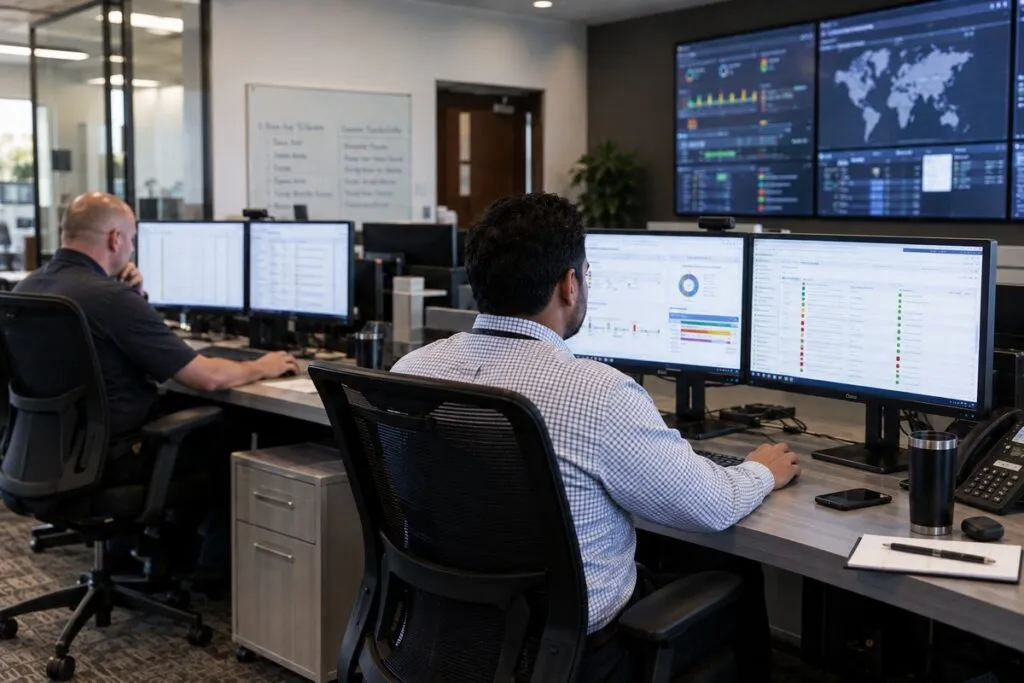
Not every alert needs the same response. We review alerts using the steps you approve.
That can include checking the device, confirming the alert status, and looking for planned maintenance. Alerts that meet your rules go to the right IT contact.
Alert Rules Built Around Your Team
We agree on what to do when an alert comes in:
- Which alerts need attention right away
- Who to contact first
- Who to contact next if needed
- How to send the alert and what details to include
- What can wait until business hours
- How to handle planned maintenance
- Which actions need your approval
- When to consider a site visit
Clear rules help both teams act with less guesswork.
NOC Monitoring for Internal IT Teams
Your engineers can manage your systems without watching dashboards all day.
We review agreed alerts and notify your team when action is needed. Your staff keeps control of the systems, fixes, and technical decisions.
NOC Services for MSPs
Managed service providers (MSPs) may watch systems for many customers. We help with that workload by reviewing agreed alerts and notifying your engineers.
You keep control of your customer relationships and technical work.
Need physical help at a customer site? See our Remote Hands & Smart Hands Services. For planned work across many sites, explore Multi-Site IT Rollouts.
Network Monitoring
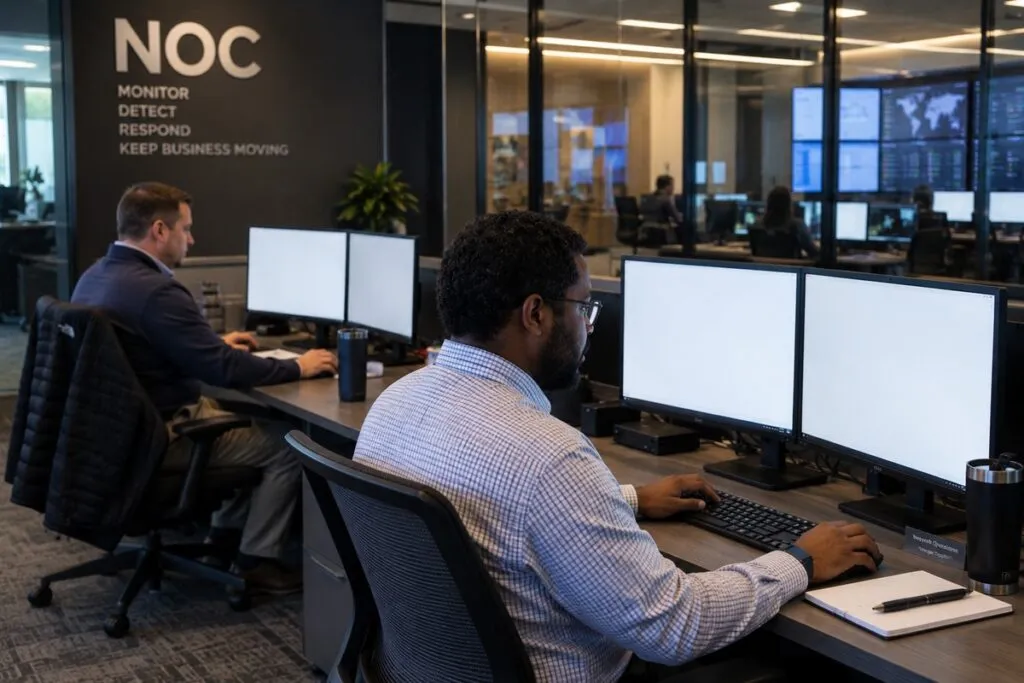
A network problem can affect a whole office, branch, or warehouse. We can review alerts for switches, routers, firewalls, network ports, and WAN links.
Your plan may include alerts for:
- Devices that stop responding
- Ports or connections that go down
- Slow connections or lost data packets
- High CPU or memory use
- Hardware health problems
When an alert meets your rules, we notify your team.
Server and Infrastructure Monitoring
We can also review alerts for server health and shared IT systems.
These may include server availability, CPU and memory use, storage space, and services that stop working.
Your plan lists the systems and alerts we cover. The details depend on your monitoring software.
From an Alert to a Technician at Your Site
Some problems need physical help. Your engineer may need someone to check power, inspect a cable, connect a console, or replace hardware.
The process can include:
- Detect and review the alert.
- Notify your IT contact.
- Let your engineer check the problem remotely.
- Arrange approved physical work if needed.
- Check and report the results.
Our Remote Hands & Smart Hands Services provide site support while your engineer guides the work. Site visits are quoted separately.
Keep Control of Your Network
Your team sets the monitoring rules and makes the technical decisions.
You choose the systems, alert limits, contacts, approved actions, and maintenance rules. We handle the agreed alert review and notifications.
Troubleshooting and repair work need a separate scope and quote.
NOC Monitoring vs. Remote Hands
Use monitoring to watch alerts. Use field services when someone needs to work at the equipment.
| What You Need | Service |
|---|---|
| Watch network and system alerts | NOC Monitoring |
| Review alerts and notify your team | NOC Monitoring |
| Check equipment at a site | Remote Hands |
| Restart equipment under your direction | Remote Hands |
| Replace hardware that needs advanced skills | Smart Hands |
| Install new equipment in racks | Rack & Stack |
| Install equipment across several sites | Multi-Site IT Rollouts |
Use NOC monitoring on its own or pair it with separately quoted field support.
NOC Monitoring Pricing

Choose business hours or 24/7 coverage. Both plans include human alert review in your monitoring system and notifications to your designated team.
Monthly NOC Monitoring Rates
| Plan | Price | Minimum |
|---|---|---|
| Business hours monitoring | $995 per month | 1 month |
| 24/7 monitoring | $2,995 per month | 1 month |
Each plan has an agreed scope, alert volume, and response time. We confirm those details and the cost in your written quote. Setup, monitoring software, troubleshooting, and work at your site are quoted separately.
Business Hours NOC Monitoring
$995 per month. One month minimum.
Get human alert review during an agreed weekday schedule. We review covered alerts and contact your team when an issue needs attention.
Your plan sets the days, hours, time zone, and contact rules.
24/7 NOC Monitoring
$2,995 per month. One month minimum.
Get human alert review during days, nights, weekends, and holidays. We follow your agreed rules to contact the right people when an issue needs attention.
This plan covers alert review and notification. Troubleshooting and site work are separate services.
NOC Monitoring Across Multiple Sites
Need coverage for several offices, branches, or facilities? Share your site list, device count, and expected alert volume.
We will review how those sites fit within your chosen plan and confirm the scope in writing.
What Affects Your NOC Monitoring Quote?
Your coverage plan sets the monthly rate. We also review:
- Number of sites and devices
- Systems and alerts included
- Monitoring software and access needs
- Expected alert volume
- Response times and contact rules
- Reports and maintenance procedures
- Setup or connections to other tools
- Any extra troubleshooting or field work
Your written quote confirms the included work and any separate charges.
What We Need to Plan Your Monitoring
Send the details you have:
- Site count and estimated device count
- Types of servers, network devices, and other systems
- Current monitoring software
- Business hours or 24/7 coverage needs
- Typical alert volume, if known
- IT contacts and notification rules
- Planned maintenance hours
- Reporting needs
- Actions we may take and those needing approval
- Any remote hands needs
Already have a device list, runbook, or alert process? Send it with your request.
Get Human Support for Your IT Alerts

Give your team help watching alerts while they focus on managing your systems.
Send your site count, device count, monitoring software, and coverage needs. We will review the details and confirm a plan and quote.