
One IT Project. Many Locations. One Clear Plan.
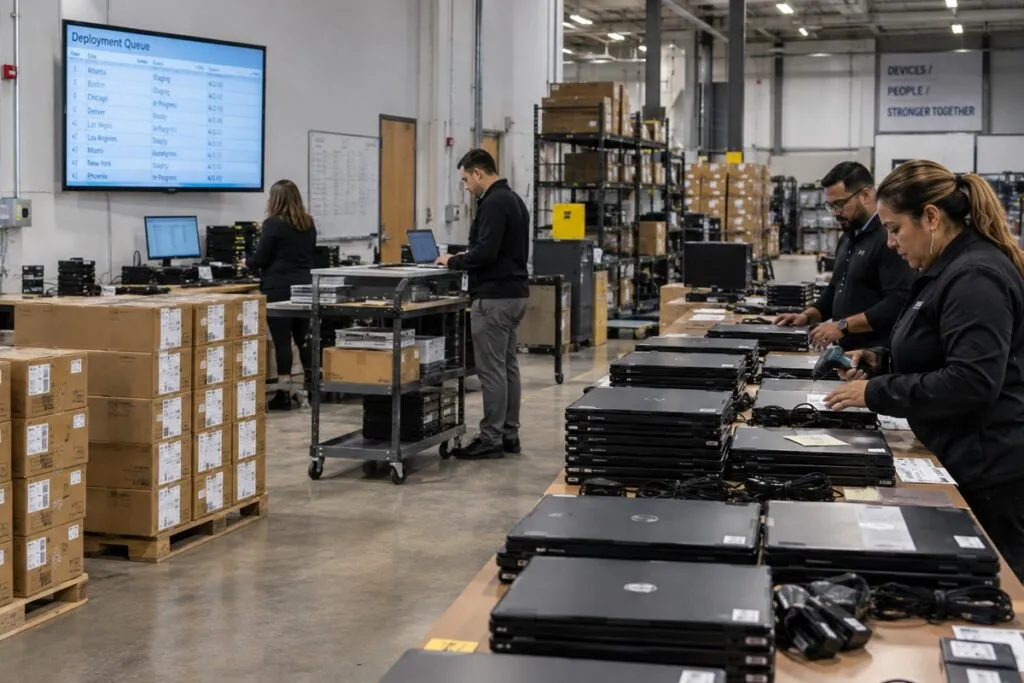
DeployNation provides IT rollout services across the United States. We install, replace, and check equipment at offices, stores, branches, and other business sites. You get one field service partner for all your locations. Your team sets the plan, and our technicians follow the same steps and report results at each site.
Turn Your Site List Into a Rollout Plan
A project across many sites needs clear steps and shared standards.
We organize the physical work around your instructions, schedule, and reporting needs. Each technician knows what to do, who to contact, and what counts as a finished site.
Your team can track progress and see which locations need more work.
IT Projects Across Multiple Locations
We support rollouts that repeat the same work at several sites, including:
- Network upgrades and hardware swaps
- Computer and laptop deployment
- Computer refresh projects
- Wireless access point replacements
- Switch, router, and firewall replacements
- Server and battery backup installation
- Site surveys and equipment inventories
- Network closet projects
- Equipment removal
- Monitor, dock, and accessory setup
- Branch, store, and customer site upgrades
Send the task list and locations. We will review the crew and skills needed.
Set the Work Steps Before the First Visit
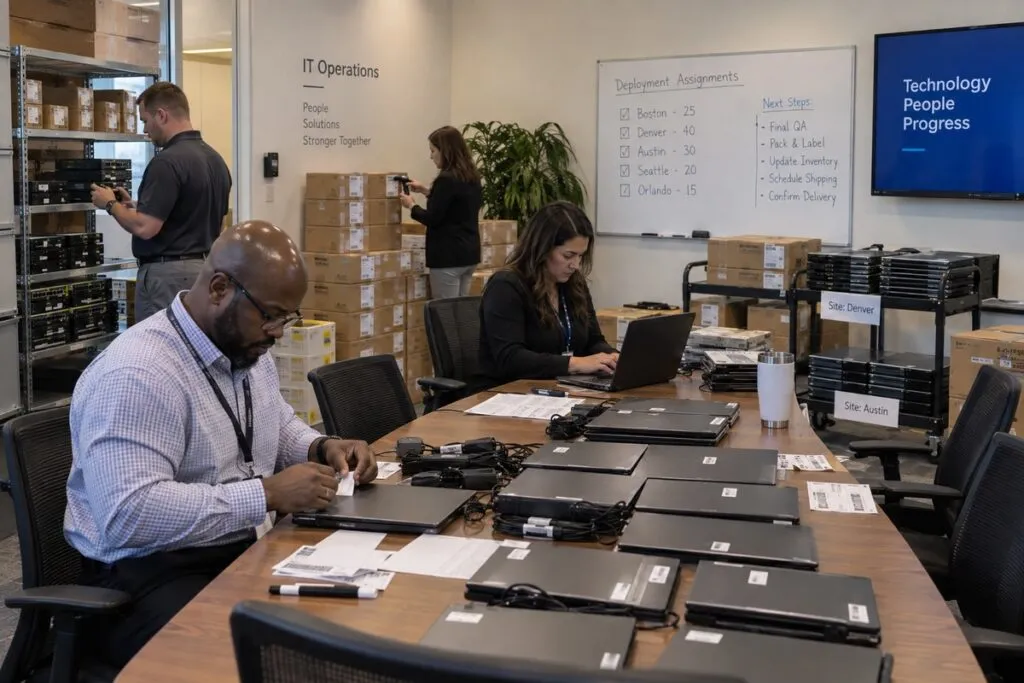
Clear instructions help each site get the same result.
Your rollout plan should cover:
- Equipment to install, replace, or remove
- Site contacts and entry rules
- Required tools and parts
- Installation steps and cable connections
- Testing and approval steps
- Contacts for questions or problems
- Required photos and asset records
- A completion checklist
We use your approved plan to guide the work at each location.
Start With a Pilot Site
Test the plan at one or a few sites before the full rollout.
A pilot can uncover missing cables, unclear steps, access delays, or extra tool needs. Your team can fix those issues before they affect more locations.
The process is simple:
- Complete the pilot.
- Review the results.
- Update the work steps.
- Start the wider rollout.
Roll Out in Planned Groups
You do not have to complete every location at once. Grouping sites helps your team check results and make changes along the way.
| Stage | Example |
|---|---|
| Pilot | 2 or 3 locations |
| First group | 10 locations |
| Second group | 25 locations |
| Third group | 50 locations |
| Final group | Remaining locations |
| Final review | Open issues and return visits |
The group sizes depend on your site count, schedule, and available resources.
Network Equipment Rollouts
Replacing the same network device at many branches? Your engineers set the setup process, approved work hours, and testing rules.
Our technicians can:
- Identify old equipment and check replacements.
- Record serial numbers and take photos.
- Label and disconnect approved cables.
- Remove old hardware and install new devices.
- Reconnect cables under your plan.
- Work with your remote engineer.
- Complete photos and site checklists.
For larger equipment installations, see our Rack & Stack Services.
Computer and Laptop Rollouts
Get computers set up using the same standards across your offices.
We handle the approved physical setup while your team controls software, device management, security, and user requirements. Where included, we load your approved image and transfer agreed files.
Replacing existing computers? Our Computer Refresh Services also cover agreed file and settings transfers, user sign in help, and old computer collection at the site.
Wi-Fi and Access Point Rollouts
Upgrade wireless access points across offices, stores, and other sites.
Your network team chooses the devices, placement, settings, and testing steps. Our technicians can:
- Remove designated old access points.
- Mount and connect new devices.
- Install approved cabling as a separate part of the scope.
- Connect Power over Ethernet (PoE).
- Record serial numbers and apply labels.
- Check physical connections.
- Take photos and complete the checklist.
Need new cable runs? See our Structured Cabling Services.
Site Surveys Before a Nationwide Rollout
Get the facts about each site before sending equipment or starting work.
A shared survey checklist can capture:
- Photos of network closets and racks
- Device models and serial numbers
- Open rack space
- Switch, patch panel, and battery backup details
- Cable routes and connections
- Wireless access point locations
- Measurements and available power
- Building access rules
Your engineers can use the results to confirm equipment and installation needs at each location.
Clear Records From Every Site
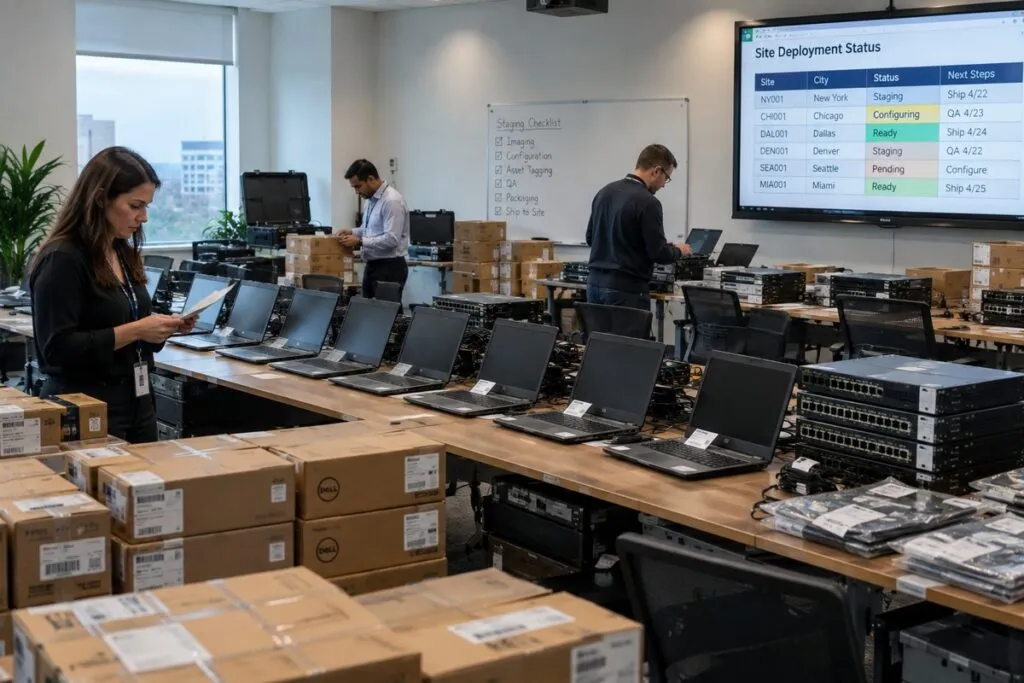
Your team needs to know what was done and what still needs attention.
Site records can include:
- Photos before and after the work
- Serial numbers and asset tags
- Installed and removed device details
- Port numbers and cable labels
- Agreed test results
- Completed checklists
- Technician notes and open issues
- Site contact confirmation
We agree on the required records before the rollout starts.
Plan for Unexpected Problems
Equipment may be missing. A room may be locked. The hardware may not match the plan.
We follow your process for handling those issues. It should define:
- When the technician must stop
- What details or photos to collect
- Who to contact
- Which changes need approval
- When to arrange another visit
- How to record the issue
A clear process helps your team resolve problems while other sites keep moving.
Rollouts for MSPs and IT Integrators
Managed service providers (MSPs), resellers, IT integrators, and equipment vendors often need technicians at customer sites.
You provide the technical plan, hardware, project direction, and customer relationship. We provide the hands to complete the approved physical work across locations.
Your team keeps control of the solution and customer requirements.
Rollouts for Businesses With Many Sites
We help central IT teams support:
- Corporate and branch offices
- Warehouses and distribution centers
- Retail stores
- Healthcare sites
- Manufacturing facilities
- Other remote business locations
Our technicians handle the approved site work. Your engineers can focus on setup, testing, project decisions, and issues that need their skills.
What We Need to Plan Your Rollout
Start with your site list and the work needed at each location.
| Project Detail | What to Send |
|---|---|
| Locations | Full site list and addresses |
| Work | Tasks to complete at each site |
| Equipment | Hardware being installed, replaced, or removed |
| Site Counts | Number of devices at each location |
| Schedule | Preferred dates and final deadline |
| Rollout Groups | Which sites should happen first |
| Skills | Required technician experience |
| Access | Entry, security, and site contact details |
| Records | Required photos, serial numbers, and reports |
| Remote Support | Engineers available during the work |
| Approvals | Who can approve changes or resolve problems |
| Completion | What must be checked before a site is finished |
Already have a work plan, install guide, site spreadsheet, or checklist? Send it with your request.
IT Rollout Pricing Across Multiple Sites
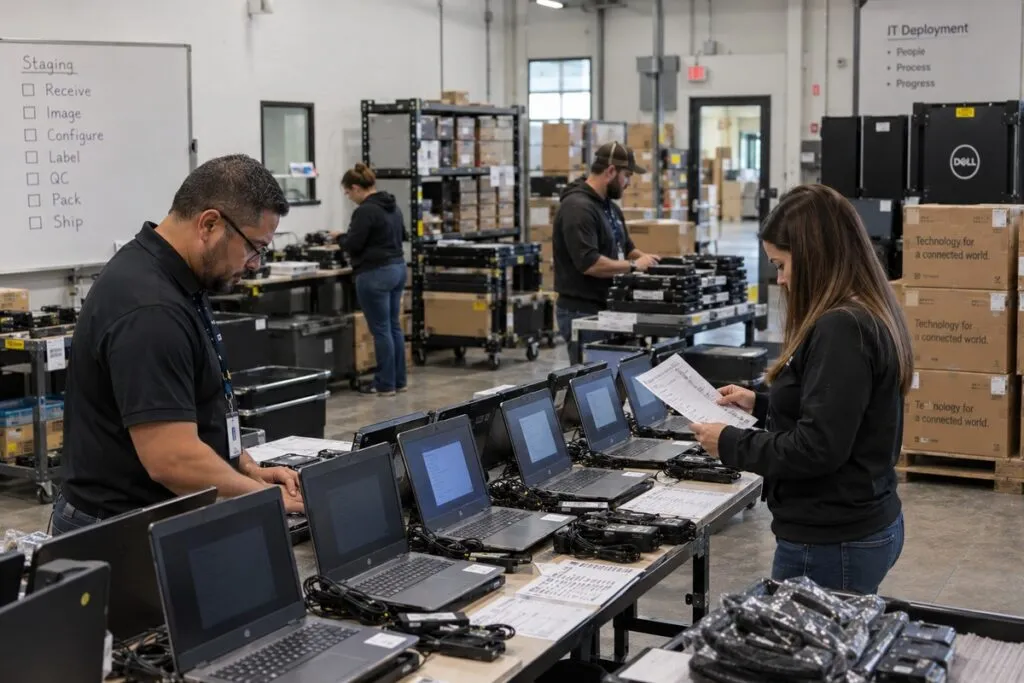
Rollout pricing uses the service rates below, along with your site counts and project needs.
We confirm the work, minimums, travel, and any added costs in your written quote. Send quantities for each location so we can price the full rollout.
IT Rollout Service Rates
| Service | Price | Minimum |
|---|---|---|
| IT field support and remote hands | $150 per technician per hour | 3 hours ($450 per technician, per visit) |
| Smart hands for advanced work | $175 per technician per hour | 3 hours ($525 per technician, per visit) |
| Rack and stack, hourly | $150 per technician per hour | 3 hours ($450 per technician, per visit) |
| Rack and stack, per rack | $2,400 per rack | 1 rack |
| Basic computer deployment | $95 per computer | 5 computers ($475) |
| Full computer deployment | $225 per computer | 5 computers ($1,125) |
| Computer refresh | $300 per computer | 5 computers ($1,500) |
| Workstation moves within one building | $150 per workstation | 5 workstations ($750) |
| Desktop or laptop decommissioning | $50 per computer | 10 computers ($500) |
| Server decommissioning | $150 per server | 3 servers ($450) |
| Standard Cat6 cabling | $300 per drop | 4 drops ($1,200) |
| Wireless access point installation | $150 per access point | 3 access points ($450) |
Computer setup: Basic deployment covers computers that are already configured. Full deployment includes loading your approved image, agreed file transfers, connection checks, and user sign in help. Refresh also includes agreed settings transfers and old computer collection at the site.
Computer pricing assumes a working image where needed, available licenses, and accessible files. Image creation, complex transfers, data recovery, and extra troubleshooting are quoted separately.
Rack and stack: Per rack pricing covers an agreed equipment list and cabling scope. Larger or more complex builds need a separate quote.
Cabling and Wi-Fi: Standard Cat6 pricing covers an accessible run up to 150 feet, standard materials, connections at both ends, labels, and basic testing. Access point installation covers mounting your device and connecting it to existing working cabling and power.
New cabling, longer runs, other cable types, lifts, conduit, difficult access, and wireless configuration are quoted separately.
Moves and removal: Workstation move pricing covers disconnecting, moving, and reconnecting equipment within the same building. Transport between buildings is separate.
Decommissioning includes disconnecting, inventory, packing, removal, and standard transport and recycling for agreed equipment. Each desktop or laptop includes up to two standard flat panel monitors, a keyboard, mouse, dock, and related cables. Printers are excluded. Data services and extra equipment are priced before pickup.
Travel, work outside normal hours, and special project costs are confirmed in your quote.
Example IT Rollout Projects
These examples use the listed rates. They show service costs before travel, extra work, or special project charges.
| Example Project | Pricing Basis | Base Cost |
|---|---|---|
| Site surveys at 10 locations | One field technician for 3 billable hours per site | $4,500 |
| Advanced hardware work at 10 sites | One smart hands technician for 3 billable hours per site | $5,250 |
| Basic setup of 10 computers at each of 10 offices | 100 computers at $95 each | $9,500 |
| Full setup of 10 computers at each of 10 offices | 100 computers at $225 each | $22,500 |
| Refresh 10 computers at each of 10 offices | 100 computers at $300 each | $30,000 |
| Install 3 access points at each of 10 offices using existing cabling and power | 30 access points at $150 each | $4,500 |
| Install 4 standard Cat6 drops at each of 10 sites | 40 drops at $300 each | $12,000 |
| A rollout with several types of work | Based on each site’s scope | Project quote |
Hourly examples are planning examples, not promised completion times. Access point replacement work, extra hours, return visits, and other added tasks are confirmed in your quote.
What Affects Rollout Cost?
We review:
- Number and location of sites
- Devices and tasks at each site
- Technician skills, crew size, and hours
- Site access and approved work times
- Travel and equipment delivery needs
- Pilot sites and return visits
- Photos, records, and reporting
- Project coordination
- Deadline and number of sites running at once
A clear site list and shared work plan help us quote the rollout accurately.
Ready to Roll Out Your IT Project?
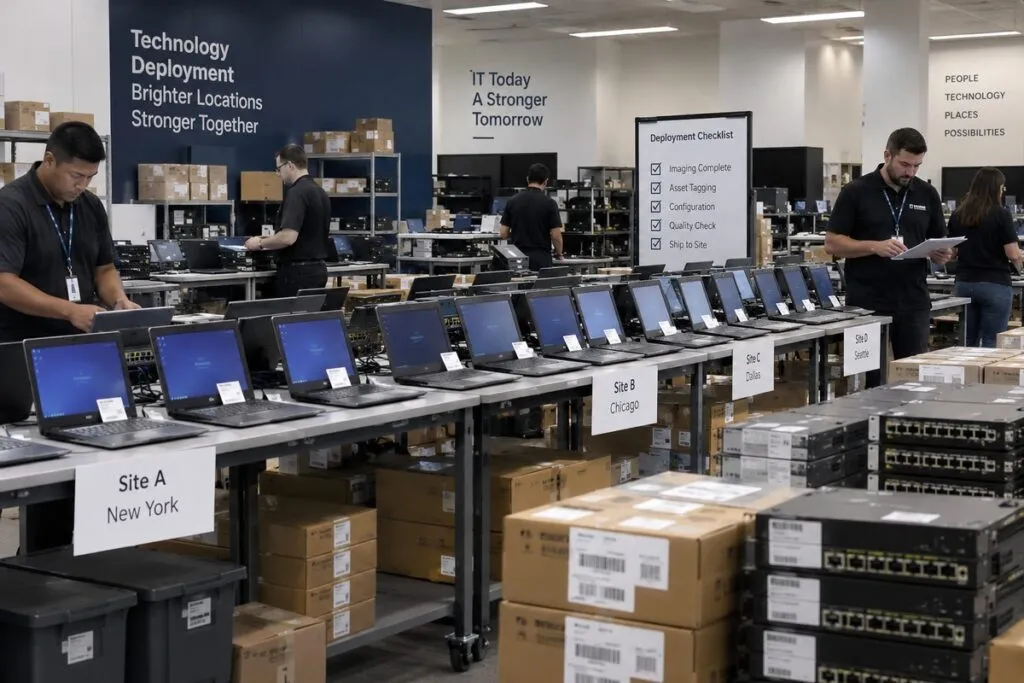
Send your site list, equipment counts, work steps, and target dates.
Include any install guide, checklist, schedule, or completion requirements. We will review the project, plan the site work, and prepare your quote.