
Move Your Team. We’ll Move the Technology.
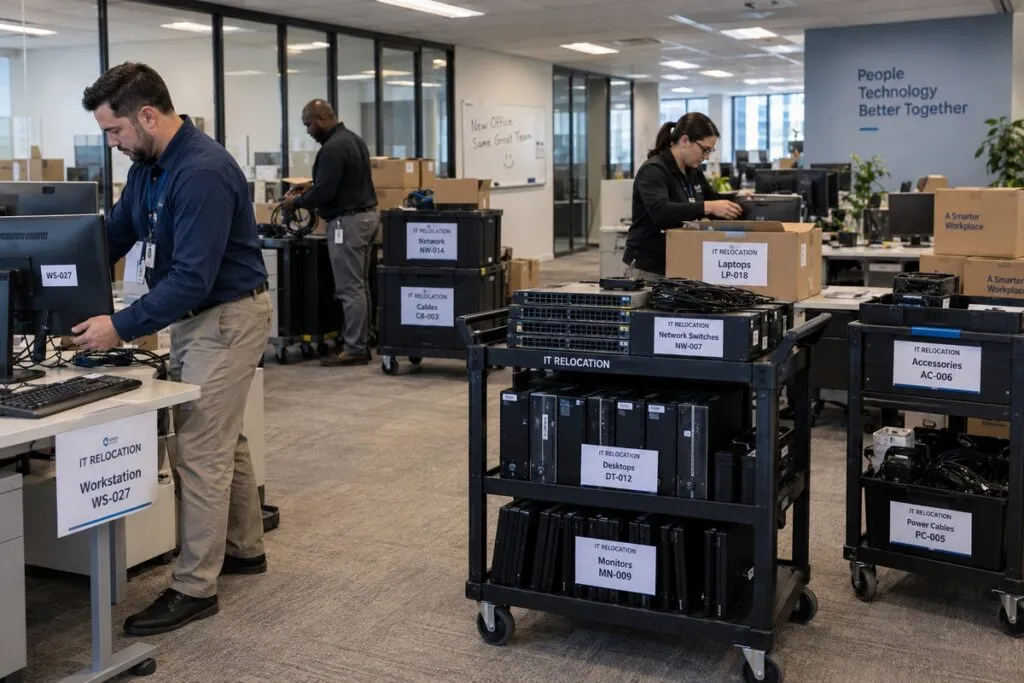
DeployNation moves and sets up office computers for businesses across the United States. Moving a team to another area or floor? We label, disconnect, cart, and reconnect your equipment to match each user’s setup. Your staff gets a ready workspace, and your IT team stays focused on its work.
IT Support Before, During, and After Your Move
A smooth move starts with knowing what goes where.
We follow your floor plans, seating chart, equipment list, and schedule. Your team sets the priorities. We handle the physical IT work and report any issues.
Office IT Relocation Services
We help businesses move teams between desks, departments, floors, and offices.
Your project can include:
- Labeling computers, monitors, docks, and cables
- Recording equipment and checking asset tags
- Disconnecting approved devices
- Grouping equipment by user or destination
- Moving workstations within the same building
- Setting up equipment at the new desks
- Reconnecting power, network cables, and accessories
- Checking connections and recording results
Your team decides what moves and where it belongs. Moves between buildings need a separate transport quote.
Workstation Disconnect and Reconnect
One desk may have a computer, several monitors, a dock, keyboard, mouse, phone, and cables. We keep those items tied to the right user.
We label and disconnect the equipment, group it for the move, and rebuild the setup at the assigned desk. Then we complete the agreed checks and report anything missing or not working.
Label Equipment Before It Moves
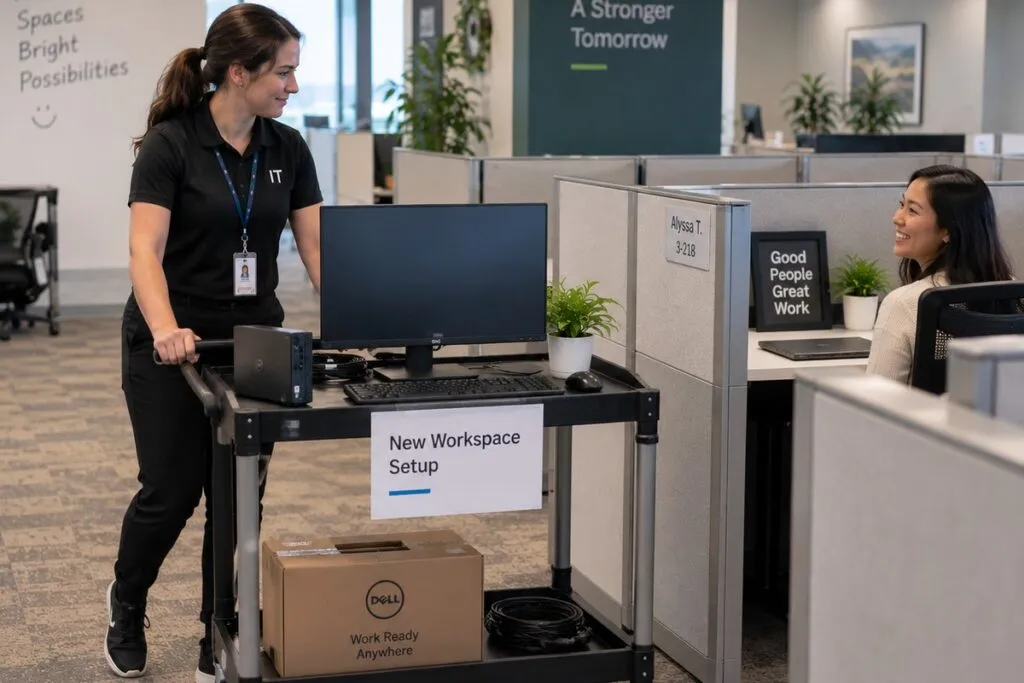
Clear labels help equipment reach the right desk.
Your labeling plan can include:
- Employee and department
- Current desk and new desk
- Floor or office
- Equipment type and asset number
- Move group and priority
- Special handling notes
We follow your labeling system so your team can track equipment before and after the move.
Server and Network Equipment Moves
Some office moves also involve servers, switches, firewalls, storage, or power units. These need a separate plan and quote.
Your IT team provides the shutdown steps, cable plan, new rack layout, and startup process. We can help label, disconnect, remove, mount, and reconnect approved equipment.
For equipment setup at the destination, see our Rack & Stack Services.
Get the New Workspace Ready
Before moving day, confirm that the destination has:
- Desks in place and assigned to users
- Working power and network connections
- Space for equipment staging
- Clear paths and elevator access
- Ready server rooms, if needed
- Approved building access
Need new network connections? Plan Structured Cabling Services before the move so workstations have somewhere to connect.
How an Office IT Move Works
1. Review the Move Plan
We review your locations, equipment count, floor plans, schedule, and site access.
2. Check the Equipment
Confirm what moves, what stays, and what needs special handling.
3. Label Each Setup
We label approved equipment so it stays linked to the right user and destination.
4. Disconnect Devices
We disconnect computers, monitors, docks, and accessories. Server and network equipment follows your approved shutdown steps.
5. Group and Move Equipment
We group equipment by desk or move phase and use carts for the agreed move within your building. Transport between buildings is quoted separately.
6. Rebuild Each Workstation
We place and reconnect equipment at the assigned desk to match the approved setup.
7. Check the Setup
We check physical connections and look for missing, damaged, or misplaced items.
8. Report Issues
We record problems and contact your project lead or IT team for next steps.
Moving One Team or Hundreds of Employees
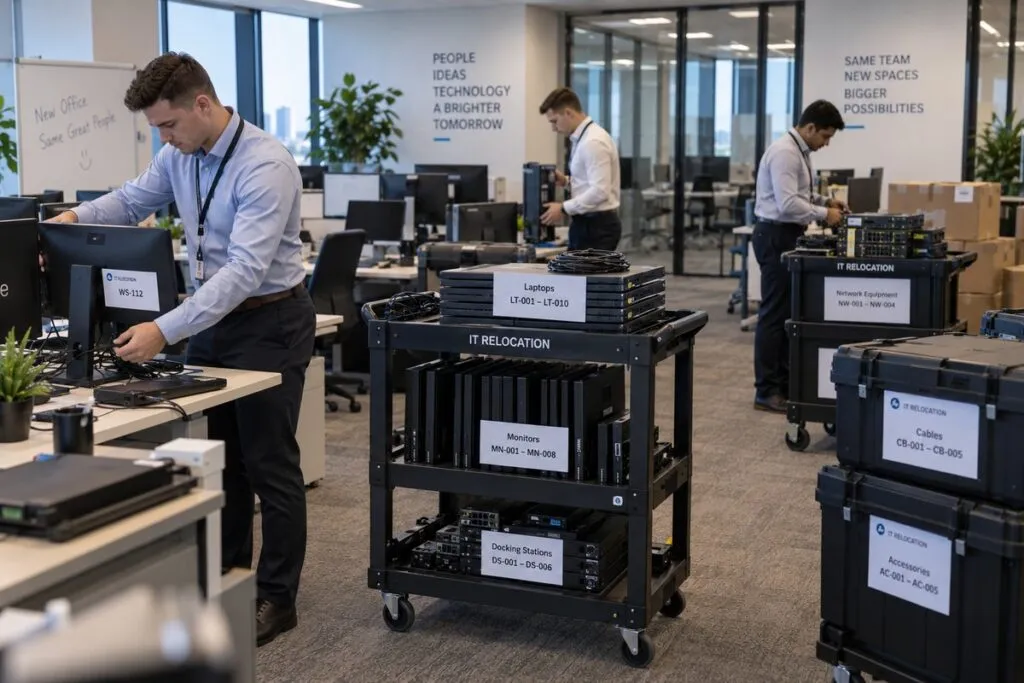
We support smaller team moves and large corporate projects with many floors or departments.
Larger moves can include:
- Several crews or scheduled move groups
- Priority users and departments
- Equipment staging areas
- Daily completion goals
- Asset checks and progress reports
- Server room work under a separate scope
Moving in stages helps your team track progress and limits how many staff are affected at once.
Evening and Weekend Office IT Moves
Need to move equipment while staff are away? We can plan work for evenings or weekends.
Before work starts, confirm desk assignments, building access, equipment, and technical contacts. Set aside time for checks before staff return.
Work outside normal hours is confirmed in your written quote.
What About Equipment That Stays Behind?
A move is a good time to separate equipment you no longer need.
Mark old computers, monitors, servers, and other devices before the move. This keeps retired equipment from ending up at the new desks.
Our IT Decommissioning Services can support separately scoped removal, inventory, and disposal work. Your quote confirms which equipment and data services are included.
Office IT Move Planning Checklist
Send these details so we can plan the work and crew.
| Project Detail | What to Send |
|---|---|
| Starting Point | Current building, floor, and area |
| Destination | New building, floor, area, and desk locations |
| Employees | Number of people moving |
| Workstations | Computer, monitor, dock, and accessory counts |
| Server and Network Gear | Any equipment needing a separate move plan |
| Floor Plans | Current and new desk layouts |
| Labels | Your equipment labeling rules |
| Schedule | Times for disconnecting, moving, and reconnecting |
| Transport | Move route, cart needs, and any transport between buildings |
| Access | Building, elevator, security, and loading rules |
| Priorities | Users or teams that need to be ready first |
| Records | Asset lists, checklists, and completion reports |
| Contacts | Project lead and IT contacts for questions or approvals |
For larger moves, a site survey can help identify access or setup issues before moving day.
Office IT Move Pricing
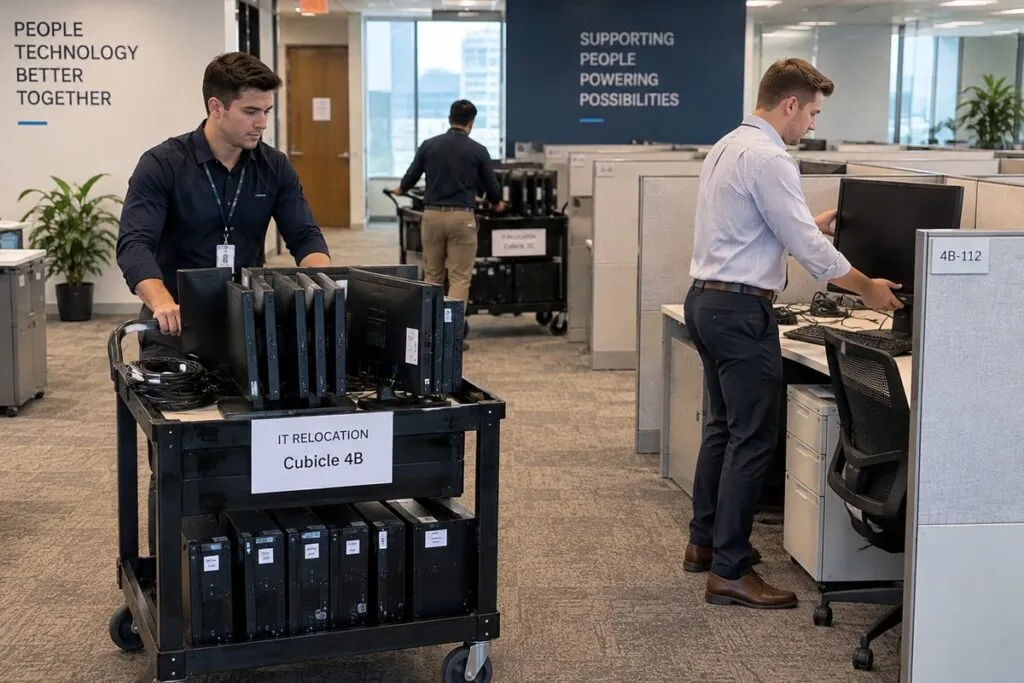
Workstation moves cost $150 per workstation, with a five workstation minimum of $750.
This includes disconnecting, moving, and reconnecting equipment within the same building. We confirm the scope and cost in your written quote.
Workstation Relocation Rates
| Service | Price | Minimum |
|---|---|---|
| Workstation move within the same building | $150 per workstation | 5 workstations ($750) |
| Transport between buildings | Quoted separately | Based on the move |
| Server or network equipment relocation | Separate project quote | Based on the work |
We agree on equipment labeling, desk assignments, and setup checks before the move.
Travel, work outside normal hours, and special project costs are confirmed in your quote.
Example Office IT Move Projects
These examples use the $150 rate for workstation moves within the same building.
| Project | Workstation Move Cost |
|---|---|
| 5 workstations | $750 |
| 10 workstations | $1,500 |
| 25 workstations | $3,750 |
| 50 workstations | $7,500 |
| 100 workstations | $15,000 |
| 250 workstations | $37,500 |
For example, moving 25 standard workstations from the third floor to the sixth floor has a base cost of $3,750. Your quote confirms access needs and any added work.
Transport between buildings, outside moving services, special packing materials, and specialized equipment handling are quoted separately when needed.
What Affects Office IT Move Cost?
The workstation count sets the base cost. We also review:
- Monitors and special accessories
- Detailed inventory or reporting needs
- Starting points, destinations, and move routes
- Elevator access and building restrictions
- Server or network equipment
- Evening, overnight, or weekend schedules
- Travel and transport between buildings
- Special packing or handling needs
Send your move plan so we can confirm the full cost before work starts.
Get Your Workstations Ready for Moving Day
Tell us which team is moving, where the equipment is going, and when it needs to be ready.
Include your workstation count, floor plans, seating chart, and any equipment list or checklist. We will review the move and prepare your quote.