
Remove Old IT Equipment. Keep Clear Records.
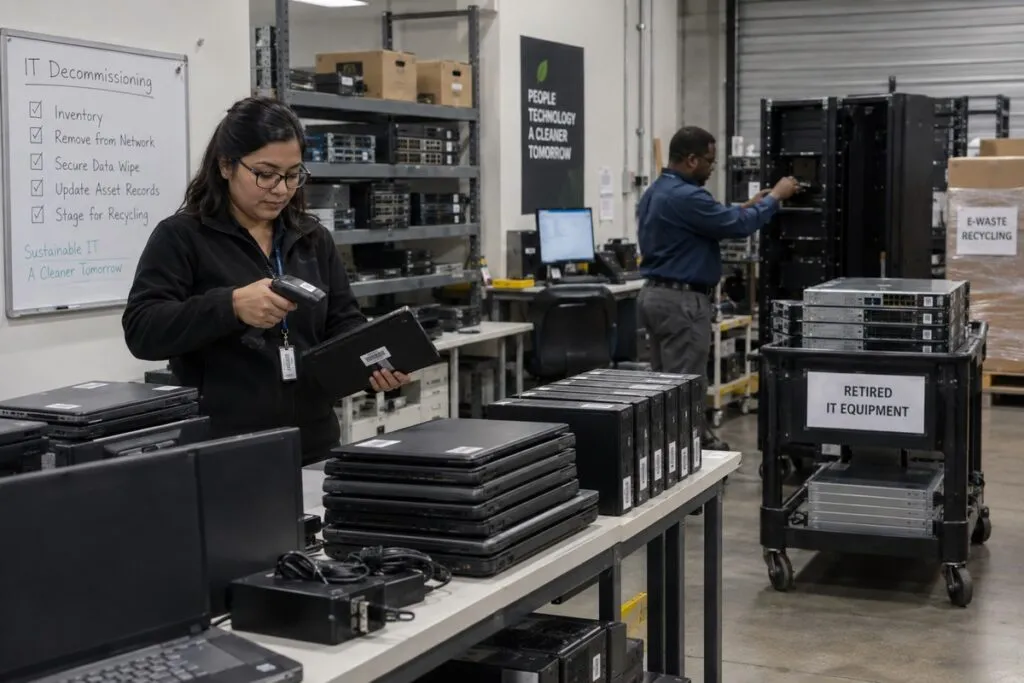
DeployNation provides IT decommissioning services across the United States. We disconnect, record, pack, and take away old computers, servers, and other approved equipment. Your team gets a clear record of what leaves and where it goes. We follow your plan so your staff can focus on other work.
Track What Leaves and Where It Goes
Know which devices were removed and what happens next.
We can record:
- Asset tags and serial numbers
- Brand, model, and equipment type
- Device name and rack location
- Assigned user or department
- Device condition and removal date
- Whether the device stores data
- Planned destination and handoff details
Your team chooses the records needed. We follow that process throughout the project.
Computer and Laptop Decommissioning
We help retire laptops, desktops, workstations, and approved accessories.
The work can include:
- Disconnecting and collecting equipment
- Recording asset tags and serial numbers
- Matching devices to users
- Identifying devices that store data
- Sorting equipment by its next destination
- Packing equipment and updating records
Each desktop or laptop includes up to two standard flat panel monitors, a keyboard, mouse, dock, and related cables. Printers are not included.
Need old devices removed after a Computer Refresh? We can plan the next step.
Server and Network Equipment Decommissioning
Servers and network devices need an approved removal plan. Your engineers decide what can be shut down and how to protect systems still in use.
Once approved, we can:
- Identify devices and check asset records.
- Label and disconnect approved cables.
- Remove servers, switches, storage, and mounting parts.
- Organize and pack equipment.
- Clear the agreed rack space.
- Record what was removed.
We follow your team’s instructions before touching active equipment.
Clear an Entire Server Room
Closing a site or moving systems? We can plan a larger server room or data center removal.
A typical project includes:
- Confirm what stays and what goes.
- Record the approved equipment.
- Follow your shutdown and disconnect plan.
- Remove designated servers, network devices, and power units.
- Keep devices that store data clearly identified.
- Pack equipment by destination.
- Check removed items against the inventory.
- Take required photos and report any issues.
Your quote defines the equipment, removal work, and site requirements.
Handle Devices That Store Data With Care
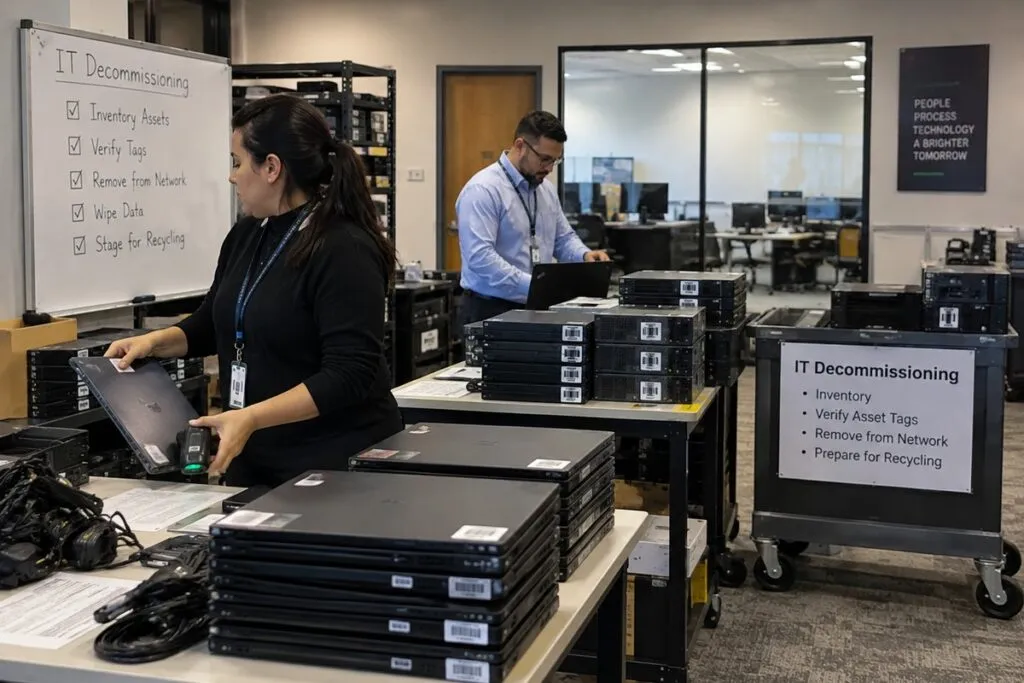
Computers, drives, servers, and storage systems may hold company data.
We identify, separate, and track those devices using your approved process. Your team decides what must be wiped, destroyed, reused, or returned.
Equipment removal does not mean its data has been erased. Your quote confirms any data wiping or drive destruction work.
Data Wiping and Drive Destruction
Need data services along with removal? We can coordinate the approved process with your team and qualified providers.
That can include:
- Recording device or drive serial numbers
- Sorting devices by the required data process
- Tracking handoffs
- Preparing devices for wiping or destruction
- Matching completion records to the asset list
- Collecting available certificates from the responsible provider
We agree on the process before equipment leaves your control. Data services are priced separately before pickup.
Chain of Custody for Retired IT Assets
Chain of custody records show who handled equipment and where it went.
Your project can track:
- Device identity
- Who handled or received it
- Dates and times of handoffs
- Storage and transport locations
- Planned reuse, return, or recycling
- Available completion records
We follow the tracking requirements agreed in your scope of work.
Office Closures and IT Equipment Removal
Closing an office can mean moving some devices and retiring others.
We help separate equipment for:
- Another office
- Storage or reuse
- Return to a leasing company
- Data wiping or destruction
- Approved recycling or other disposal
Tell us about printers, displays, conference room devices, and other extra equipment. These need to be listed and priced in your quote.
IT Asset Disposition and Recycling
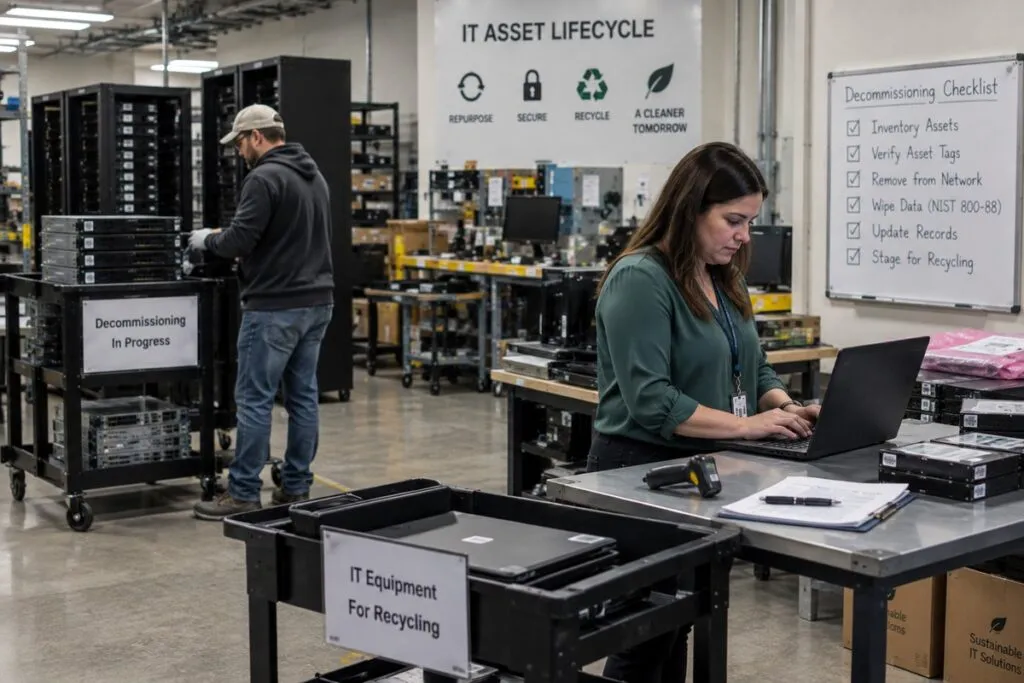
IT asset disposition, or ITAD, is the process of deciding what happens to retired equipment.
We handle the agreed removal work and confirm whether equipment will be reused, resold, or recycled. Standard transport and recycling are included for the agreed equipment.
Data services, lease returns, and other special needs are defined in your quote. We can also coordinate with your approved ITAD, recycling, or data destruction provider.
Reuse Equipment That Still Has Value
Some retired devices can still serve your business. We sort equipment using your plan.
| Next Step | What It Means |
|---|---|
| Reuse | Put the equipment back into service elsewhere |
| Return | Send leased or vendor equipment back |
| Store | Keep equipment for future use |
| ITAD | Send equipment through an approved resale, recycling, or disposal process |
| Data Handling | Complete required wiping or destruction before the next step |
Sorting early helps keep reusable equipment separate from devices ready for disposal.
What We Need Before Removal
A clear plan helps us remove the right equipment.
| Project Detail | What to Send |
|---|---|
| Location | Office, server room, data center, or site address |
| Equipment | Types and estimated quantities |
| Inventory | Existing asset list, if available |
| Approval | Which devices may be removed and which must stay |
| Data | Rules for devices that store company information |
| Destination | Reuse, storage, return, resale, or recycling plans |
| Records | Required asset details and custody records |
| Schedule | Removal dates and building deadlines |
| Access | Security, elevator, loading, and entry rules |
| Packing | Any special packing needs |
| Transport | Pickup details and any special transport needs |
| Contact | Who can answer questions or approve changes |
For larger projects, a site survey or equipment count can help us plan the work.
IT Decommissioning Pricing
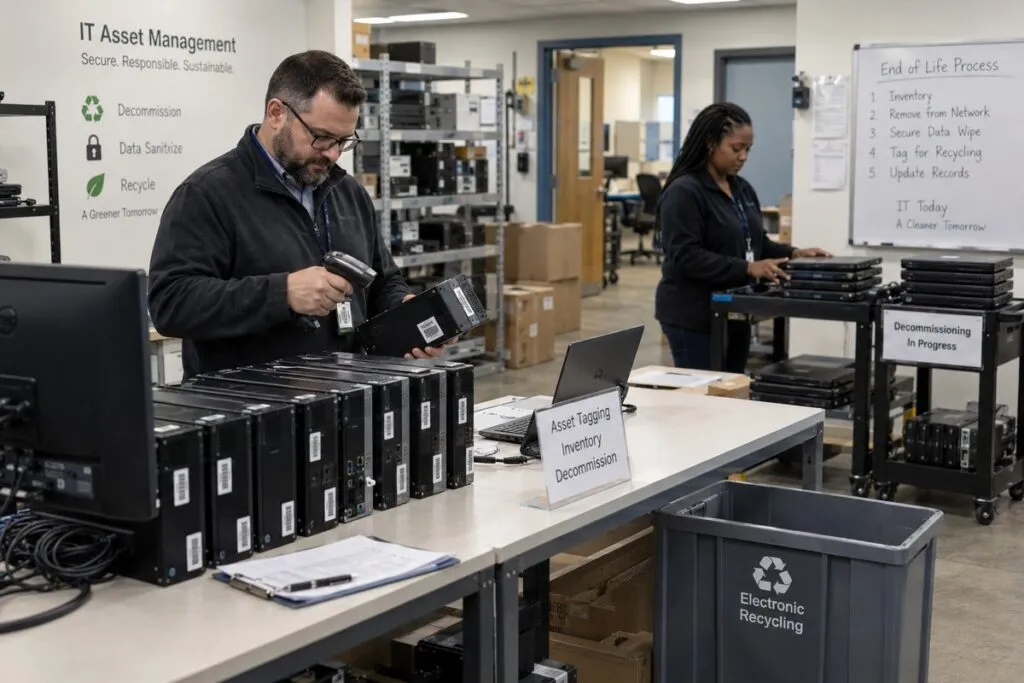
Desktop and laptop decommissioning costs $50 per computer. Server decommissioning costs $150 per server.
We confirm the equipment, work, and cost in your written quote.
IT Decommissioning Rates
| Service | Price | Minimum |
|---|---|---|
| Desktop or laptop decommissioning | $50 per computer | 10 computers ($500) |
| Server decommissioning | $150 per server | 3 servers ($450) |
| Network gear and other equipment | Separate quote | Based on the equipment |
| Full office or server room removal | Project quote | Based on the scope |
Computer and server decommissioning includes:
- Disconnecting approved equipment
- Recording inventory
- Packing and taking away equipment
- Standard transport and recycling for the agreed items
Each desktop or laptop includes up to two standard flat panel monitors, a keyboard, mouse, dock, and related cables. Printers are not included.
Your quote confirms data wiping or drive destruction and whether equipment will be reused, resold, or recycled. Data services, extra equipment, and difficult access are priced before pickup.
Travel, work outside normal hours, and special project costs are confirmed in your written quote.
Example Decommissioning Projects
These examples use your computer and server rates. Data services and other added work are quoted separately.
| Project | Base Cost |
|---|---|
| 10 desktops or laptops | $500 |
| 25 desktops or laptops | $1,250 |
| 50 desktops or laptops | $2,500 |
| 100 desktops or laptops | $5,000 |
| 3 servers | $450 |
| 10 servers | $1,500 |
| Complete office or server room removal | Custom quote |
Send your equipment list for a quote that covers the full job.
What Affects IT Decommissioning Cost?
The equipment type and count set the base cost. We also review:
- Extra devices and accessories
- Heavy or bulky equipment
- Rack removal and special packing
- Detailed asset or custody records
- Data wiping and drive destruction
- Number of sites
- Stairs, elevators, loading areas, and difficult access
- Special transport needs
- Evening or weekend work
- Project deadlines and final reports
Your quote lists the included work and any added charges before pickup.
Clear Out Old IT Equipment With a Clear Plan
Tell us what needs to go, where it is, and when you need it removed.
Include your equipment list, data handling rules, and plans for reuse, return, or recycling. We will review the work and prepare your quote.